Arrivals, as plain sentences
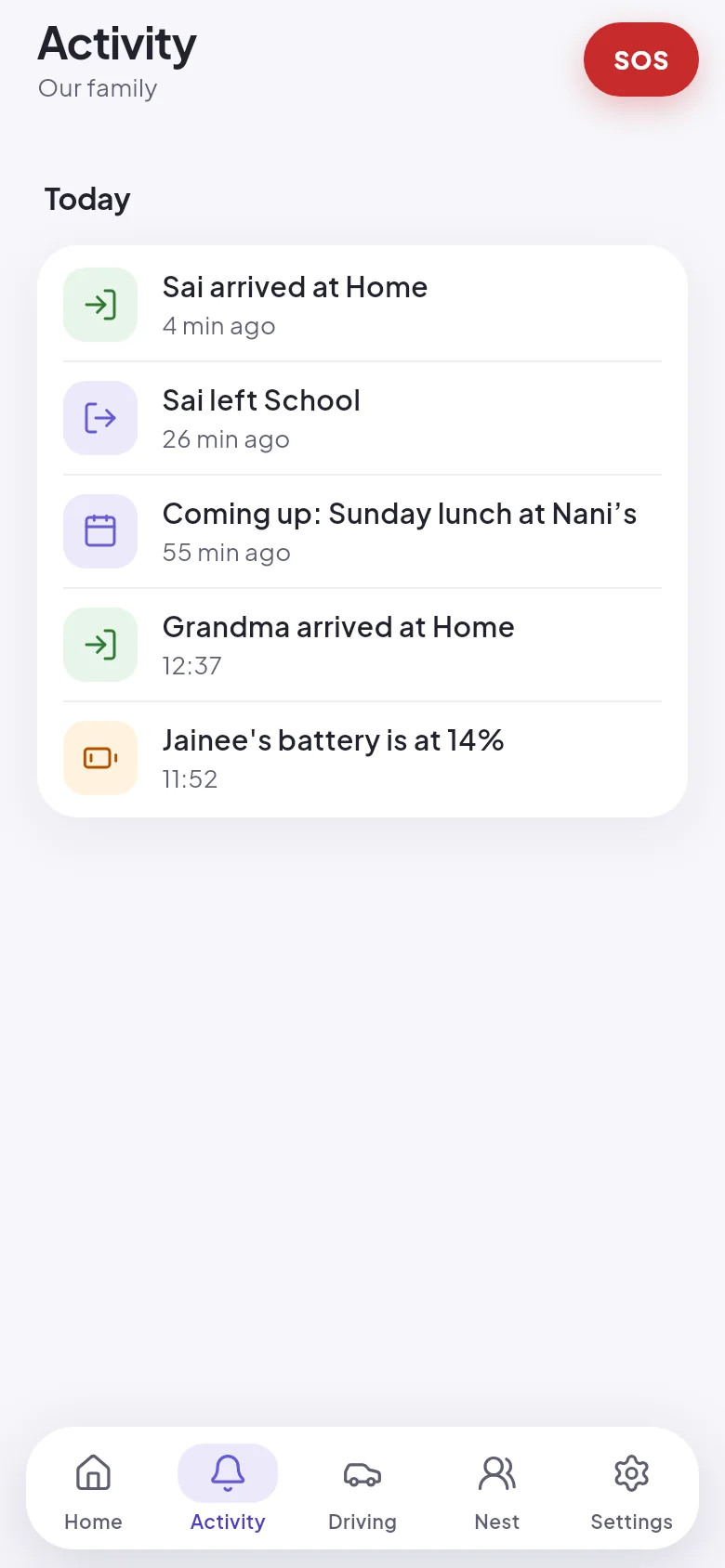
School, tuition, the office, a grandparent's flat. The nest hears when someone gets there or leaves.
 Avana
What Avana does
Six things that end the "call when you reach" thread, done carefully. Everything on this page is in the app today unless it says otherwise.
The things you would otherwise message, call or worry about. Avana tells the nest quietly, as they happen.
School, tuition, the office, a grandparent's flat. The nest hears when someone gets there or leaves.
Each person, with how old their position is written beside them. An old position looks old.
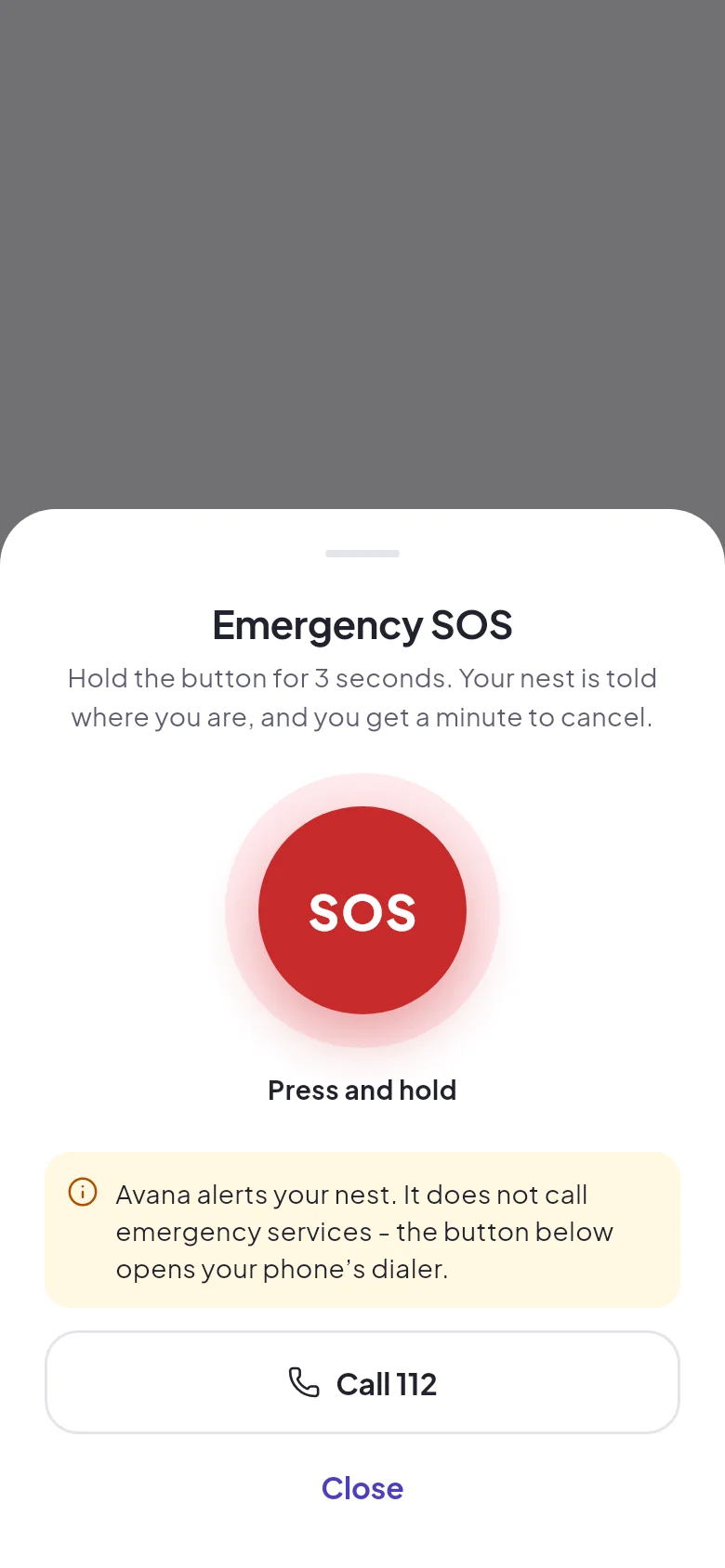
A hold, so it does not go off in a pocket. Call 112 sits right beside it.
Your nest sees the last week of where everyone has been, and nothing older.
Anyone can pause. The nest sees "paused", not a frozen dot.
Open the app and see the whole nest. Each person shows how long ago their phone reported, how accurate the fix was and how much battery is left.
Mark home, school, the office or anywhere else with a circle on the map. When someone in your family enters or leaves it, the others get a notification and it is added to the activity list.
Tap a person to see where they stayed today and for how long. You get a short list of stops with times, which is easier to read than a trail of dots. History goes back seven days.
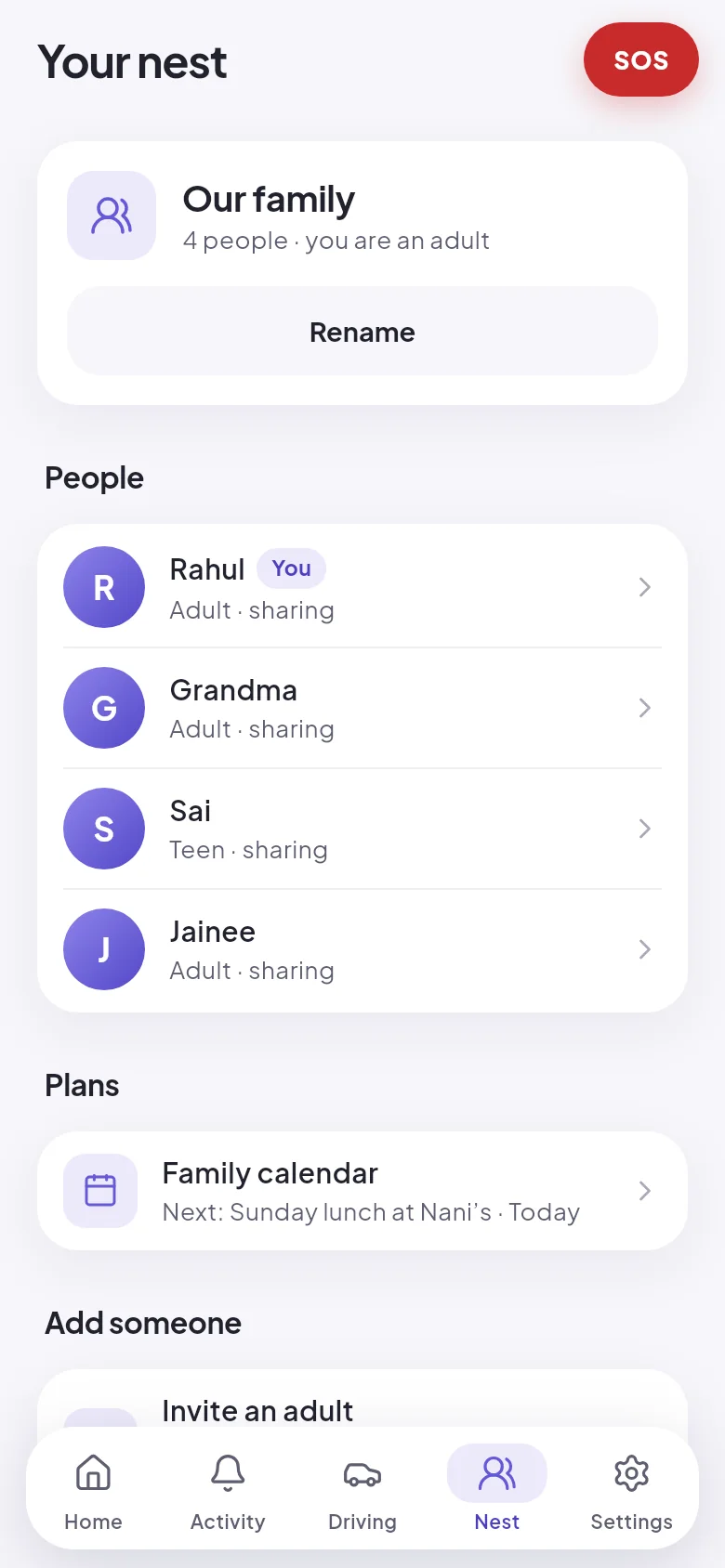
Adults manage the nest, its places and who is invited. Teenagers share and see everyone, but cannot bring new people in. Anyone, at any age, can pause their own sharing, and the nest is told.
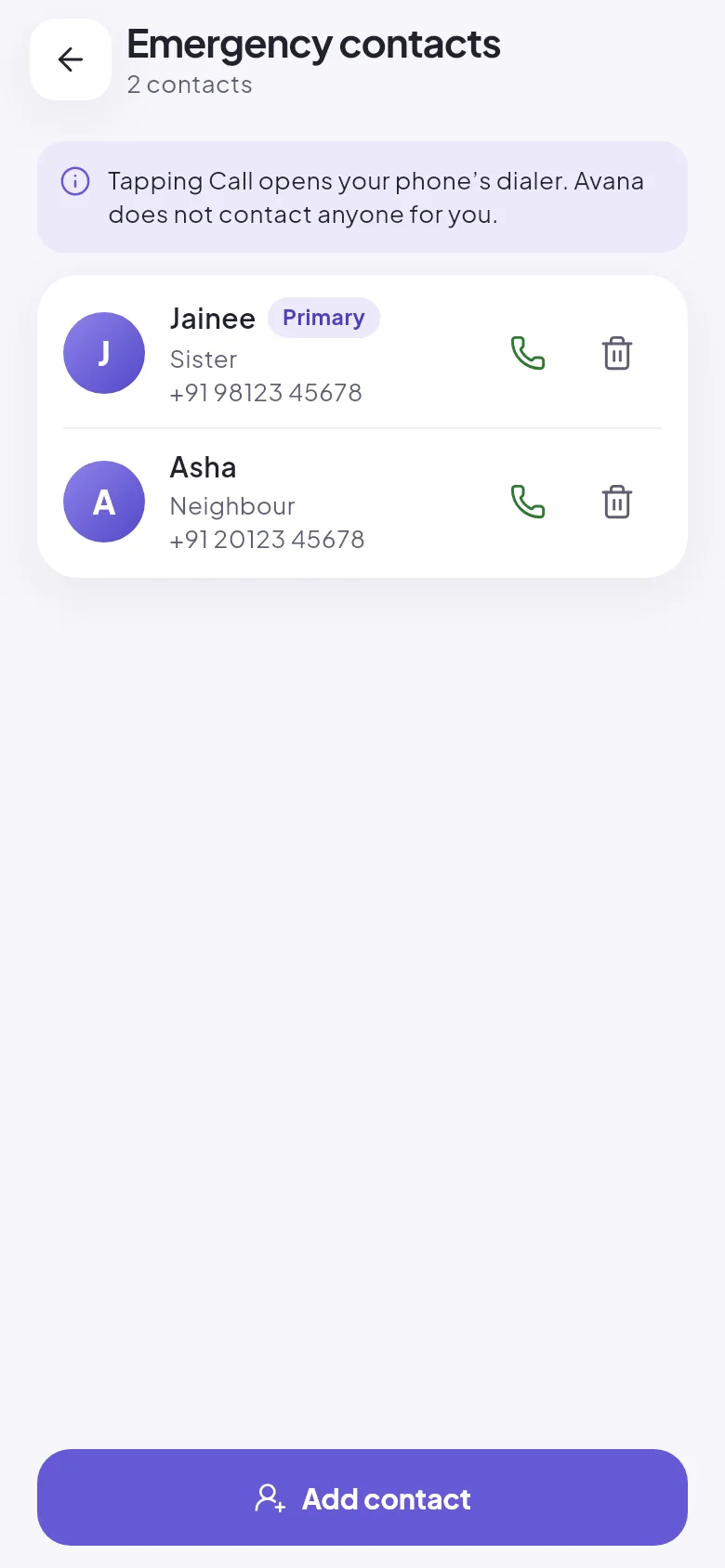
Hold the SOS button for three seconds. Your nest is alerted with your location and can open directions to you. You have one minute to cancel. Keep the numbers of a relative or a neighbour in the app and call them in one tap.
If a parent lives by themselves, they can ask Avana to tell the nest when their phone has not moved for a set number of hours. It is their switch to turn on, in their own settings.
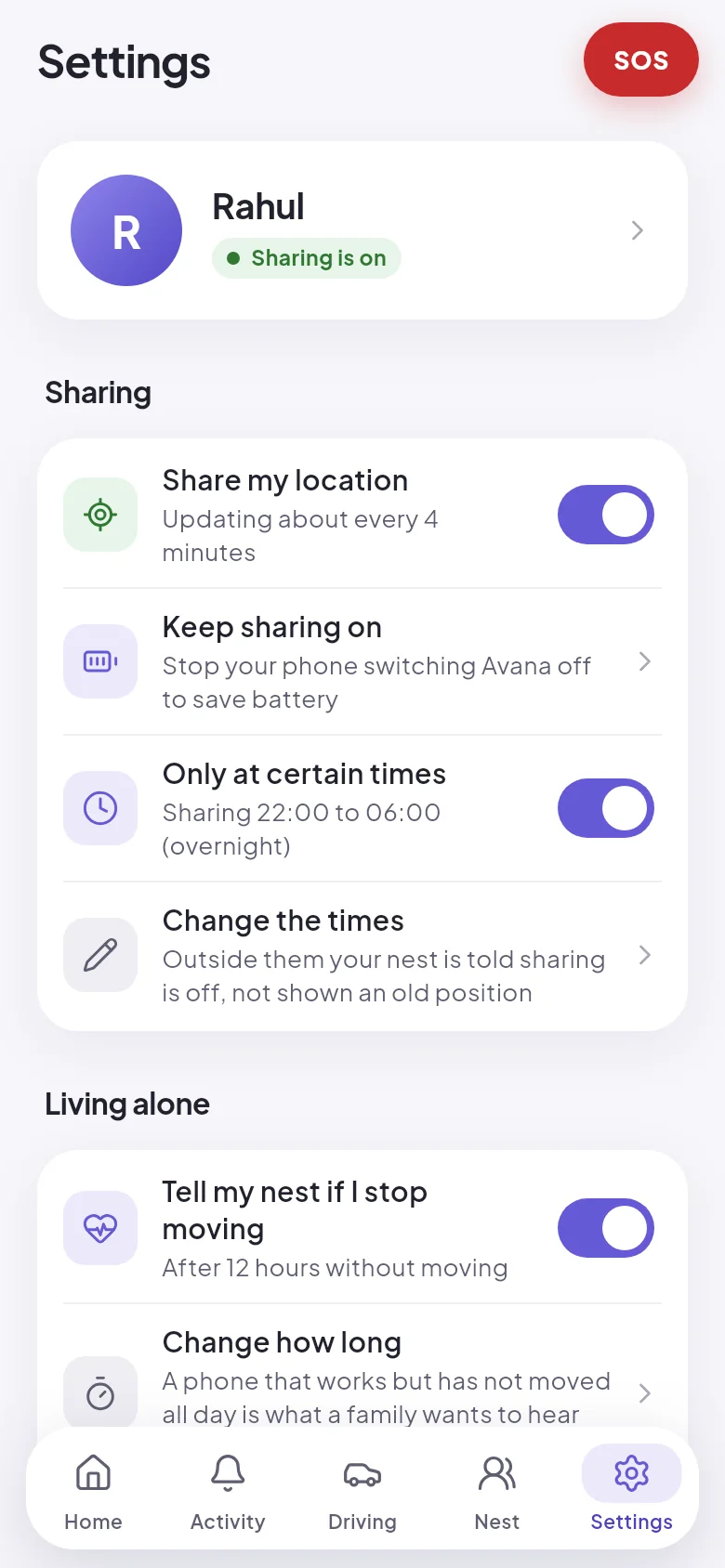
An SOS alerts the people in your nest. It does not call the police or an ambulance, and nobody at Avana is watching. In a real emergency, call 112. The app puts that button next to the SOS so you do not have to look for it.
A safety app that claims more than it delivers is dangerous. These are things you should not expect from Avana.
Early access is about getting the basics right on Android. These are next, and neither exists yet.
For a grandparent without a smartphone, a school bag or a pet. It joins the same nest as everyone's phones.
Avana starts on Android, the phone most families in India use. An iPhone version follows.
Avana is opening a few families at a time, in India and for families who live apart. It is free during early access, and you get a direct line to the person building it.